
 YouTube
 watch party with video chat
Watch YouTube together with friends online. Flickcall syncs the video on every screen and adds live video chat and text chat beside the player.
Free to use · Runs in Chrome on a laptop or desktop
Hot Ones. Which wing would finish you off?
sound familiar?
Watching YouTube long distance? We know this chat by heart.
Counting down over text. Somebody always ends up a few seconds ahead. You hear the laugh before you see the joke.
With Flickcall there is no countdown. One play button runs both laptops, and a pause on one side is a pause on both.
Ria, Sam, you
ok press play on 3
3… 2… 1… ▶️
wait I'm like 5 seconds ahead 😭
why are you laughing, nothing happened yet
PAUSE. pause pause. bathroom
never again ♡Watch YouTube together online, miles apart.
- YouTube in sync, even across episodesPlay, pause or skip, and everyone's player follows. When the host starts the next episode, the whole party moves with it.
- See reactions with video chatA video call and chat sit beside the video, so you catch every laugh and gasp. Camera off or mic only works too.
- Start a party in 10 secondsAll it takes is one click. No setup, no screen sharing, just a link to send.
- Smart Mic for a natural conversation flowPress pause and your mic turns on by itself, so you can just talk. Press play and it mutes again. That's Smart Mic, on from the start.
How to watch YouTube with friends
- Add Flickcall to ChromeFrom the Chrome Web Store. Pin it to the toolbar.
- Play a video on YouTubeOpen any video on youtube.com and press play. Playlists work too.
- Start the watch partyClick the Flickcall logo on the video. It shows for a few seconds after play.
- Send the party linkYour friends click it and land on the same video, at the same spot.
10 videos to watch together on YouTube
Hand-picked for your next YouTube watch party. Open one on YouTube, start the party, send the link.
-
 Open on YouTube ↗
Your pick
Hot Ones
Argue over who could handle the heat.
-
 Open on YouTube ↗
Your pick
$456,000 Squid Game In Real Life (MrBeast)
Pick who you would back. Lose together.
-
 Open on YouTube ↗
Your pick
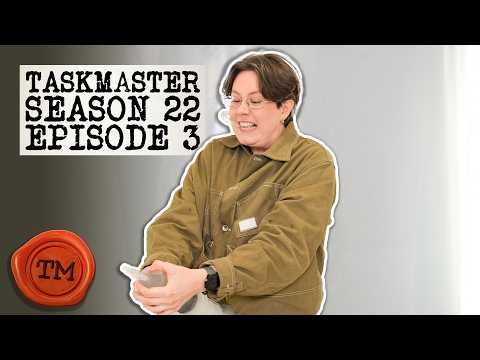
Taskmaster
Daft tasks, proper laughs.
-
 Open on YouTube ↗
Your pick
Sidemen Tinder In Real Life
Rate every date out loud.
-
 Open on YouTube ↗
Your pick
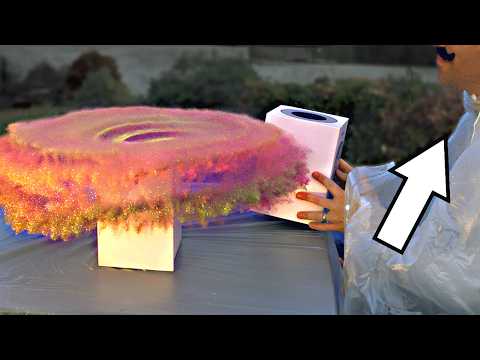
Glitter Bomb vs Porch Pirates (Mark Rober)
Watch the thieves get what they deserve.
-
 Open on YouTube ↗
Your pick
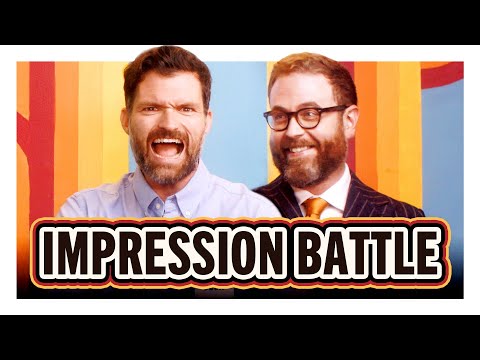
Game Changer: The Sound Impression Challenge
Nobody knows the rules. Neither do you.
-
 Open on YouTube ↗
Your pick
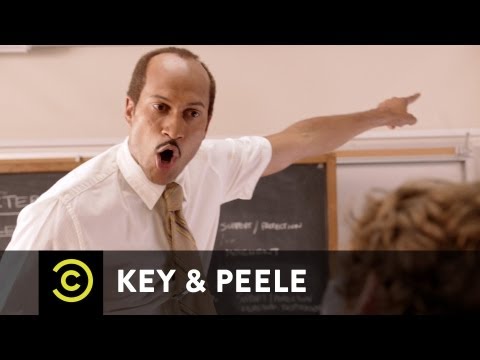
Substitute Teacher (Key & Peele)
You will be saying A-A-Ron all week.
-
 Open on YouTube ↗
Your pick
History of the Entire World, I Guess
All of history in twenty minutes. Keep up.
-
 Open on YouTube ↗
Your pick
Dude Perfect Overtime
Call the trick shot before it lands.
-
 Open on YouTube ↗
Your pick
The Egg (Kurzgesagt)
Eight minutes. Then talk about it for an hour.
What you need for a YouTube watch party
- YouTube open on each laptop. No YouTube account needed, unless the video itself asks for one.
- Chrome on a laptop or desktop works best. Other Chrome-based browsers may work too. Phones can't run Flickcall.
- The Flickcall extension, free to add. A free Flickcall account turns on video chat.
YouTube watch party FAQs
Does YouTube have a watch party feature?
The YouTube website has no watch party button. Flickcall adds one: a free YouTube watch party extension for Chrome that keeps the video in sync for everyone in the party, with video chat beside the player.
Do we need YouTube accounts?
Not for most videos. Sign in if a video asks for it, or for Premium.
What happens when an ad plays?
Each person gets their own ads on their own laptop. Flickcall holds the party until both of you are back on the video, then play continues together. Premium removes your ads, not your friends'.
Can we watch a playlist together?
Yes. Start the party on the first video. When it ends and YouTube moves to the next one, or the host clicks Next, the other laptop opens the same video. The party link keeps the playlist too.
Can we watch YouTube together long distance?
Yes, from different cities or countries, as long as the video plays on YouTube where each of you is. If one of you can't play it, pick another and the party carries on.
Can I join a YouTube watch party on my phone?
No. Flickcall runs in Chrome on a laptop or desktop. Phones aren't supported.
Is Flickcall free?
Yes. Core features like video playback sync and chat are free on every supported platform. Video and voice chat come with a free weekly allowance. Paid plans unlock unlimited video chat, and only one person in the party needs one.
Watch parties on more streaming platforms















one thing first
Add Flickcall, then open
Flickcall is a free Chrome extension. Add it, come back, and every show here opens with a party button on the video.
Add Flickcall to Chrome, free Just open it on YouTube ↗Flickcall runs on a laptop, in the Chrome browser
(or any browser that supports Chrome extensions)
Pick a way to get it there.
Open the Chrome Web Store ↗